Chess Classic — Opera Game (1858) Replay
Opera Game (1858) replay, in one HTML file. Pause/resume, orbit.
Opera Game (1858) replay, built entirely in code: one self-contained HTML file with no images, no 3D models and no build step. Under the hood: Three.js, lathe-turned pieces + extruded knight, move-list replay engine with captures and castling. What a visitor can do: watch the 1858 Opera Game replay (loops), click to pause/resume, drag to orbit, 4 presets (Wood, Marble, Royal, Mint). Best for: Strategy, consulting, finance, education, leadership brands. Three.js loads from a CDN through an import map, so there is still nothing to install. Every colour, count and speed sits in one CONFIG block, presets switch live from a glass dock, and ?embed strips the interface for a clean iframe or hero background.
How to run this
Nothing to install and nothing to configure. Works in any modern browser on Windows, macOS and Linux.
- Built with
- Single HTML file
- Requires
- A modern browser
- 1. Unzip the download.
- 2. Double-click index.html. It opens in your browser and runs. To serve it instead (the microphone and some browsers want a server), run
npx serve .in the folder and openhttp://localhost:3000.
Note — Three.js loads from the jsDelivr CDN through an import map, so the first load needs an internet connection. Add ?embed to hide the interface for an iframe or hero background, and ?preset=N to start on a colour preset.
More like this
Browse 3D designs → Premium
Prism Shards — Refractive Crystal Geode
Refractive crystal geode, in one HTML file. Orbit, click to pulse.
 Premium
Hyperdrive — Warp-Speed Star Tunnel
Warp-speed star tunnel, in one HTML file. Steer, hold for warp.
 Premium
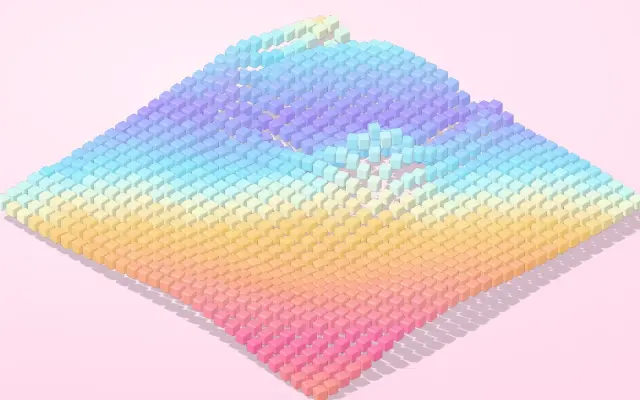
Candy Cubes — Jelly-Physics Isometric Cube Field
Jelly-physics isometric cube field, in one HTML file. Hover to lift, click to splash.