BrandMotion — Brands That Move People
One particle field, five shapes, no images at all
Our own studio site, and the smallest thing in the store by a wide margin: five files and 48KB of source, with no images, no video and no build step. A single GPU particle field of roughly 65,000 points is the entire visual identity, morphing through five shapes as you scroll — a wavy torus ring, a double helix, a flowing terrain wave, a gravity well and an orbital galaxy — and between each stage the points burst into a dust cloud and reform, driven by the fractional part of one uniform in the vertex shader. Every shape is computed on the GPU rather than loaded, which is why a site this dense weighs almost nothing.
How to run this
Works the same on Windows, macOS and Linux. No prior setup beyond Node.js, and nothing to configure — the pack runs as-is.
- Built with
- Static HTML/CSS/JS
- Requires
- Node.js 18 or newer
- Opens at
- http://localhost:3000
Note — Needs a local server — the page loads data with fetch(), which browsers block on file:// URLs. Opening index.html directly will not work.
✦ Or let an AI agent set it up for you
Already using Claude Code, Antigravity, Cursor or Windsurf? Unzip the pack, open the folder as a project, and just ask:
Install the dependencies and run this project, then give me the URL
It reads the README included in the pack, runs the right commands for this project, and sorts out anything that trips along the way. You still need Node.js installed (step 1 below) — everything after that it can handle.
Or run it yourself
- 1
Install Node.js, if you don't have it
Download the LTS build from nodejs.org and run the installer — on Windows and Mac it handles everything. Mac users with Homebrew can run
brew install nodeinstead.To check it worked, run
node --version. It should print a number like v22.11.0. - 2
Unzip the pack, then open a terminal inside the folder
Windows: open the unzipped folder in File Explorer, click the address bar, type
powershelland press Enter.Mac: press Cmd+Space, type terminal, press Enter. Then type
cd(with a trailing space) and drag the unzipped folder onto the terminal window — it fills in the path for you. Press Enter. - 3
Start it
Run
npx serve .— npx downloads the little server on demand, so there is nothing to install first.Then open http://localhost:3000 in your browser. Leave the terminal open while you use it — closing it stops the site. Press Ctrl+C in the terminal to stop.
+ − If something goes wrong
- “npm is not recognised” / “command not found: npm”
- Node.js isn’t installed, or the terminal was open before you installed it. Close the terminal, open a new one, and try again.
- “Port 3000 is already in use”
- Something else is running there — often a previous copy of this site. Close the other terminal, or stop it with Ctrl+C.
- The page loads but images or video are missing
- Make sure you ran the command from inside the unzipped BrandMotion — Brands That Move People folder itself, not the folder containing it.
Still stuck? Email us and we'll get it running with you.
More like this
Browse the store →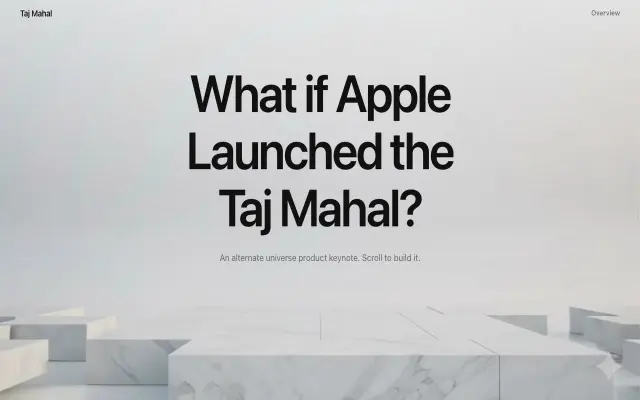 Premium
Taj Mahal Keynote Site
Apple-keynote storytelling for a monument brand
 Premium
BR Velluto Italian Café
A luxury café site with menu & reservation flows
 Premium
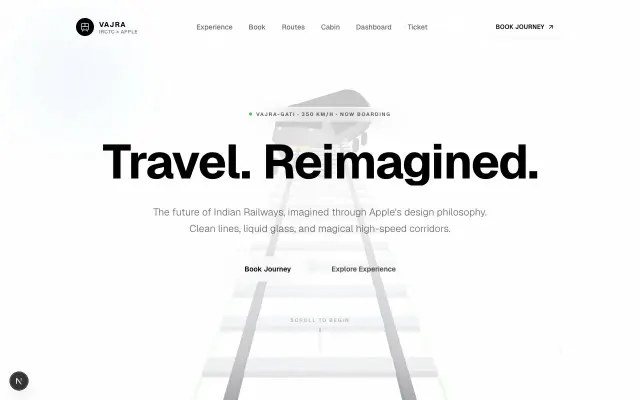
IRCTC × Apple Redesign
Reimagining India's rail booking in Apple's design language